Lights, camera, go live! TikTok Live is your stage to showcase your brand, connect with your audience in real time, and stand out. Whether sharing tips, promoting products, or chatting with followers, it’s a powerful tool for creators and businesses. With the right approach, every live session can become a memorable experience.
This blog dives into key strategies for launching your first live session and keeping your audience engaged.
- Set Your Goals and KPIs
- Plan Your Material and Dialogue
- Enhance Your TikTok Profile for Sales
- Pick the Best Time for Your Live Session
- Check Your Setup
Step 1: Set Your Goals and KPIs
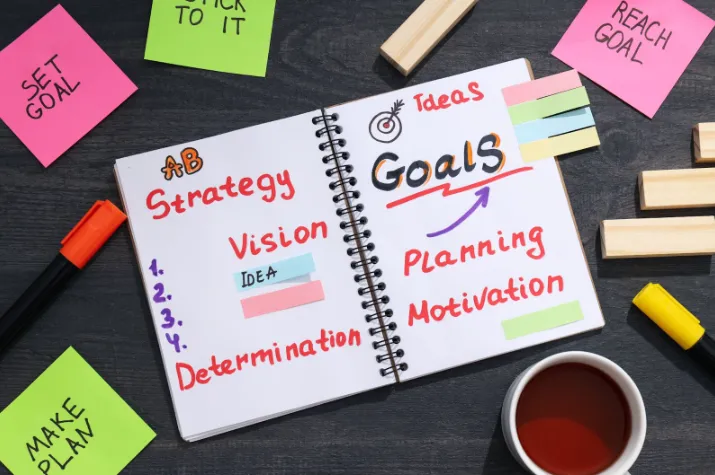
Before going live, it’s important to know what you want to achieve. Are you looking to boost sales, grow your followers, or increase brand awareness? Clear goals will guide your content and approach. Along with your goals, set measurable Key Performance Indicators (KPIs) like viewer count, engagement rate, or sales conversions to track your success effectively.
Step 2: Plan Your Material and Dialogue

To keep your audience engaged, it’s important to plan what you’ll say and do during your live session. Outline the key points you want to cover and structure your content for a smooth flow. While having a script can help you stay on track, be sure to leave room for spontaneity and audience interaction. The better prepared you are, the more confident and engaging your live session will be.
Step 3: Enhance Your TikTok Profile for Sales
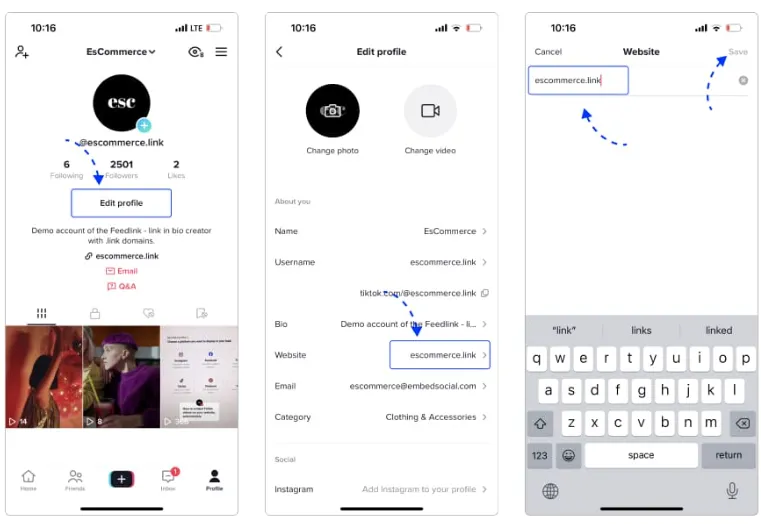
Your TikTok profile is your first impression, so make sure it’s set up to drive sales. Use a clear, branded profile picture and an engaging bio that highlights your value proposition. Add links to your website or product pages and ensure your contact information is easy to find. A well-optimized profile will make it easy for potential customers to learn about and purchase your products.
Step 4: Pick the Best Time for Your Live Session

Timing is crucial for maximizing your audience reach. Schedule your live session when your target audience is most active, which can vary based on location and demographics. Consider factors like time zones, peak engagement hours, and any upcoming events or promotions. By choosing the right time, you’ll increase the chances of attracting more viewers and boosting engagement.
Step 5: Check Your Setup
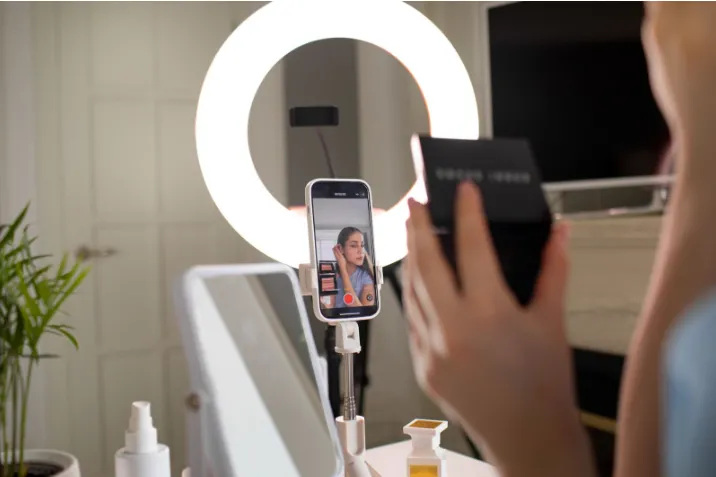
Before going live, test your setup to ensure everything runs smoothly. Check your internet connection, lighting, and audio quality to avoid technical issues during the session. Make sure your camera angle is flattering, your background is clean and professional, and your devices are fully charged. A quick test run can help you identify and fix any problems, giving you the confidence to go live seamlessly.
In conclusion, TikTok Live is a great way to connect with your audience and grow your brand. You can create engaging and successful live sessions by setting clear goals, planning your content, optimizing your profile, and choosing the right time.
With SiteGiant TikTok Shop Sync, managing your TikTok Shop is easy. It streamlines product updates, order processing, and inventory syncing, saving time and reducing errors. Plus, built-in analytics help you track sales and improve performance so you can focus on growing your business.
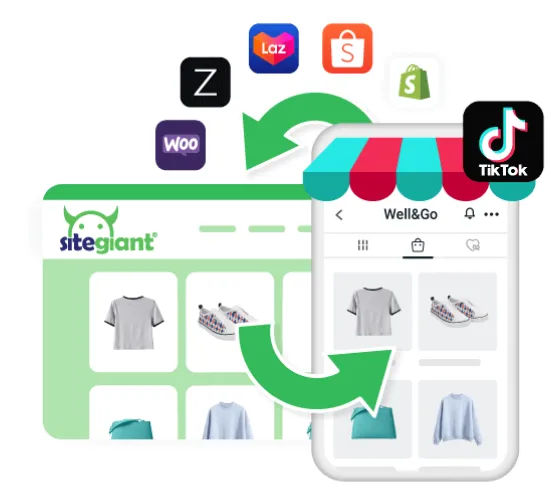
Grow your TikTok shop with SiteGiant Today!
Image Credits and References: Freepik